WrdlyTap
Capture Everything Digitally with WrdlyTap
Overwhelmed by Scattered Notes and Lost Thoughts?
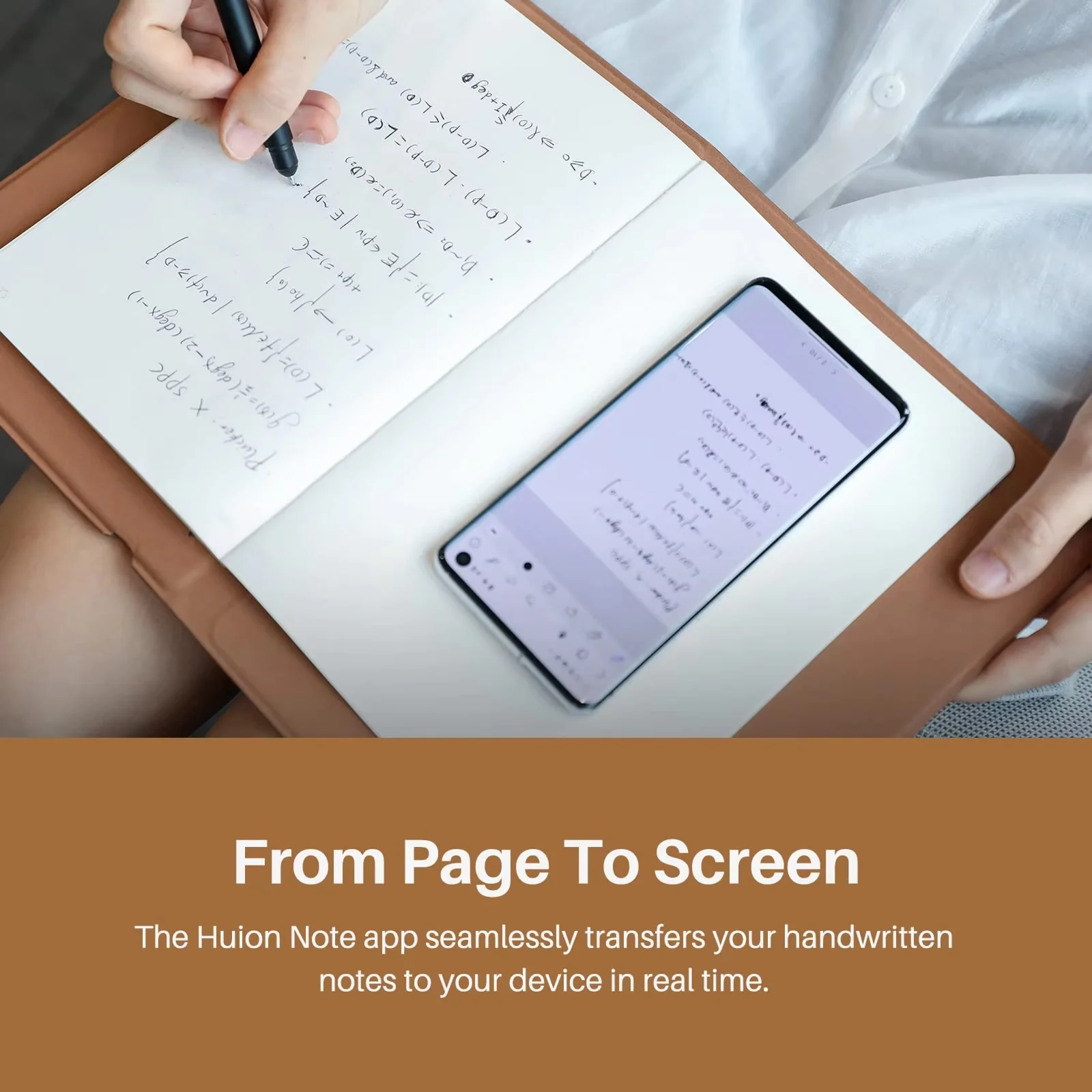
WrdlyTap’s seamless digital synchronization instantly transfers your handwritten notes to your devices, eliminating the frustration of misplaced papers or forgotten ideas. Experience the satisfaction of writing on real paper while enjoying the convenience of having all your notes organized digitally in one secure place.
Struggling to Find Important Information Quickly?
Our intelligent organization system lets you categorize, search, and access your notes instantly. With WrdlyTap, you can merge related pages, split sections, and create custom notebooks—all while maintaining the natural flow of handwriting that digital typing simply can’t replicate.
Need Your Notes Available Everywhere You Go?
WrdlyTap synchronizes your handwritten content across all your devices through our intuitive app. Whether you’re in a meeting, classroom, or creative session, your notes are always up-to-date and accessible on your phone, tablet, or computer—no more photographing pages or manual transcription.
Capture Ideas Exactly As You Imagine Them
WrdlyTap transforms how you take notes by combining the natural feel of pen on paper with powerful digital organization. Experience vector-quality digitization that preserves every nuance of your handwriting and sketches, while enjoying seamless cross-device syncing and intuitive organization tools.
- Real Paper Writing Experience
- Instant Digital Synchronization
- Voice Recording Integration
- Powerful Organization Tools
NATURAL WRITING FEEL
Experience the irreplaceable satisfaction of pen on paper while enjoying all the benefits of digital note-taking, allowing you to maintain your creative flow without technology disruptions.
SEAMLESS SYNCHRONIZATION
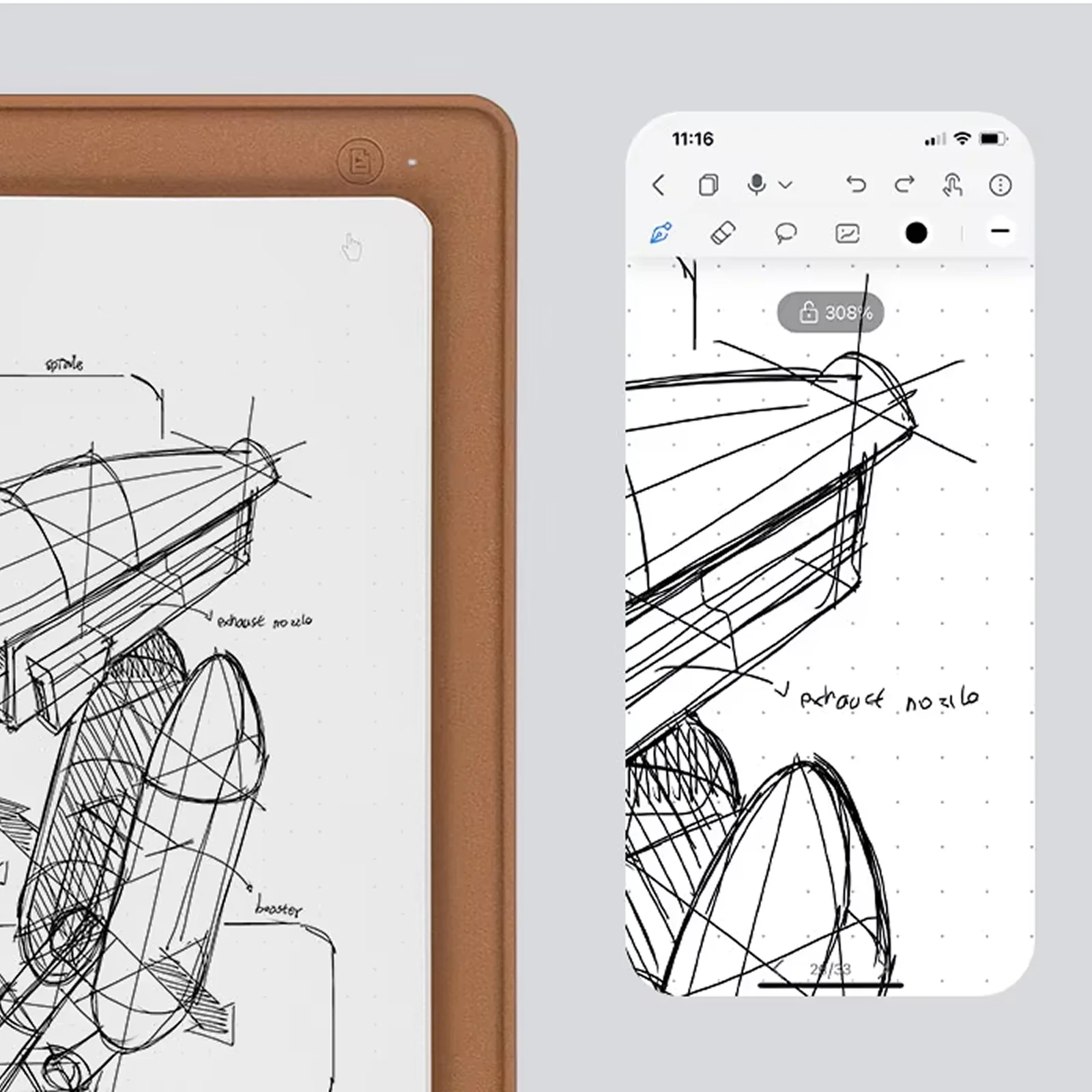
Transfer your handwritten notes instantly to your devices as vector-quality digital files, ensuring nothing gets lost and everything stays organized in one secure place.
OFFLINE CAPABILITIES
Store up to 50 pages of notes without connection, perfect for capturing ideas anywhere without worrying about battery life or signal strength—sync them later when convenient.
AUDIO INTEGRATION
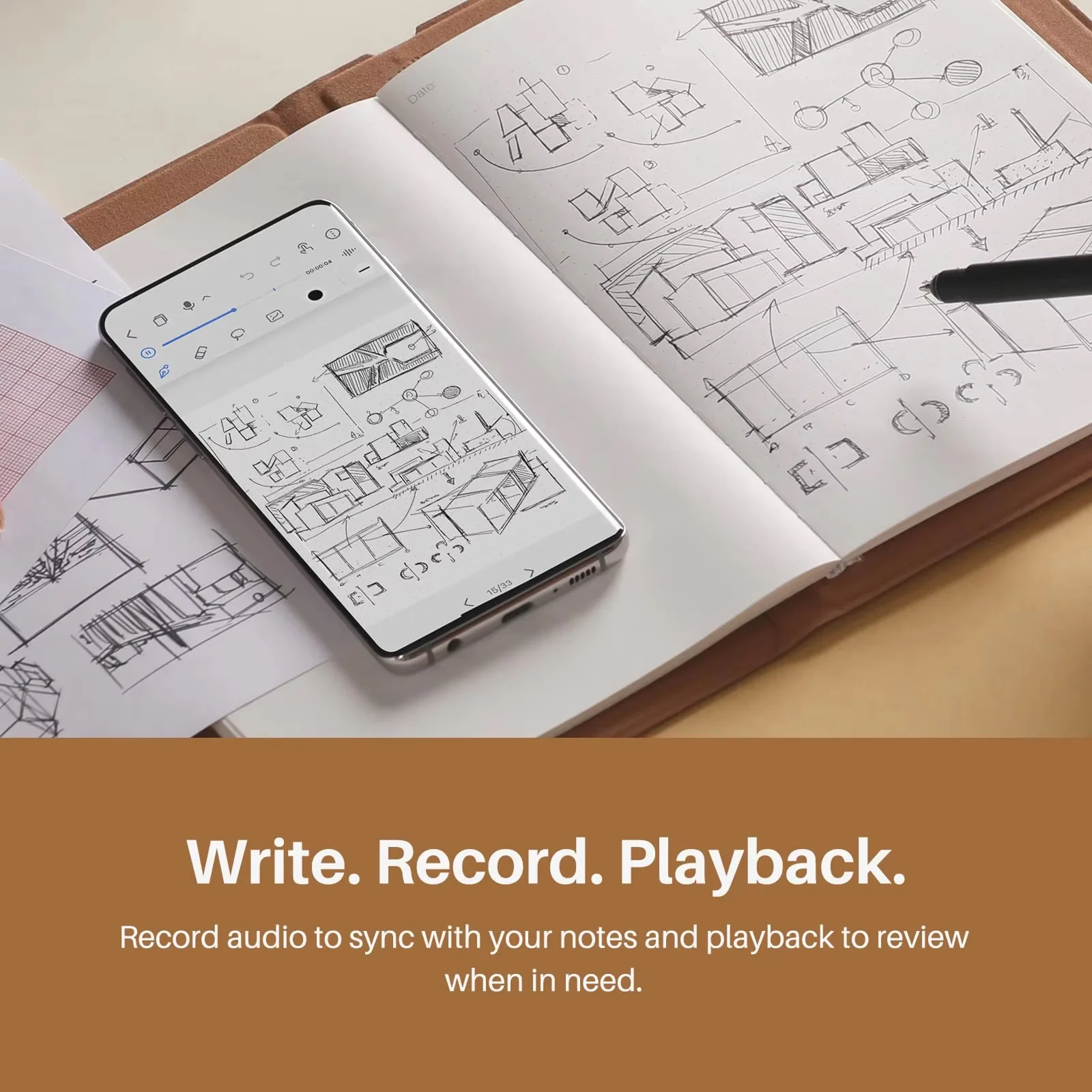
Record important discussions while taking notes, with audio synchronized to your writing for comprehensive review—never miss crucial information during meetings or lectures again.
VERSATILE FUNCTIONALITY
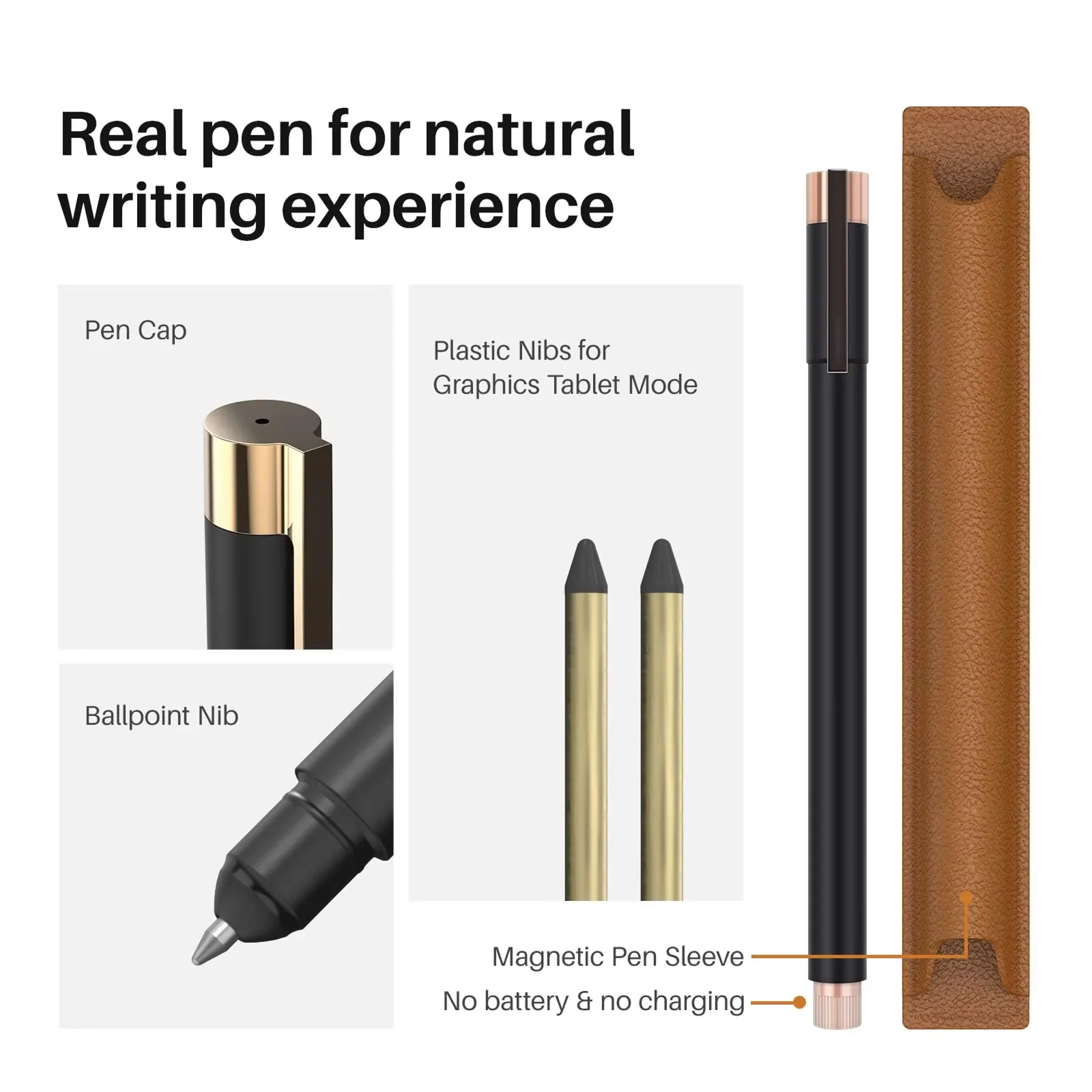
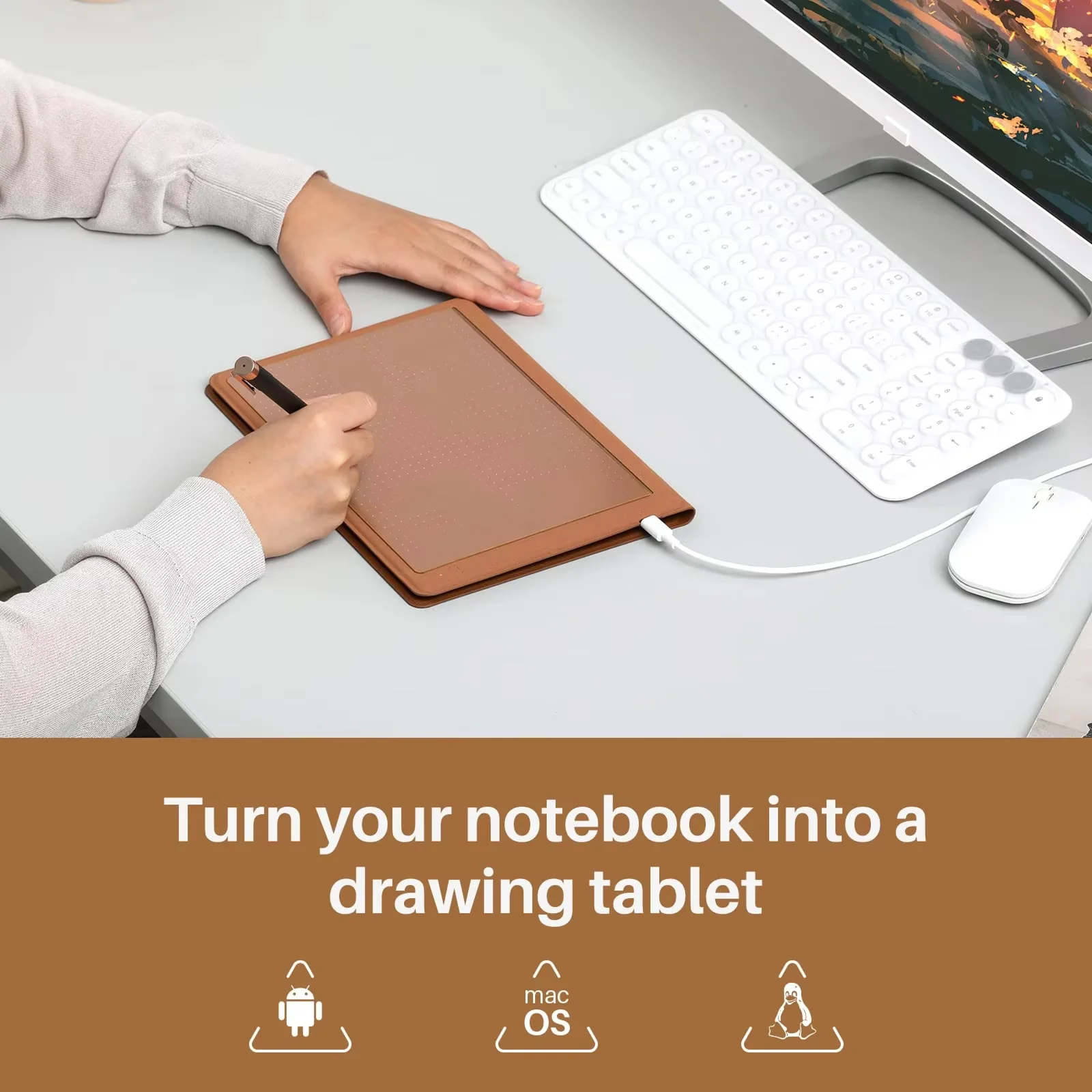
Transform your notebook into a drawing tablet with 8192 pressure levels and tilt recognition, providing creative professionals with a dual-purpose tool for both writing and digital art.
ECO-FRIENDLY SOLUTION
Reduce paper waste while still enjoying the benefits of handwriting—digitize your notes and store them forever while using significantly less paper than traditional notebooks.
Original: $716.32
-65%$716.32
$250.71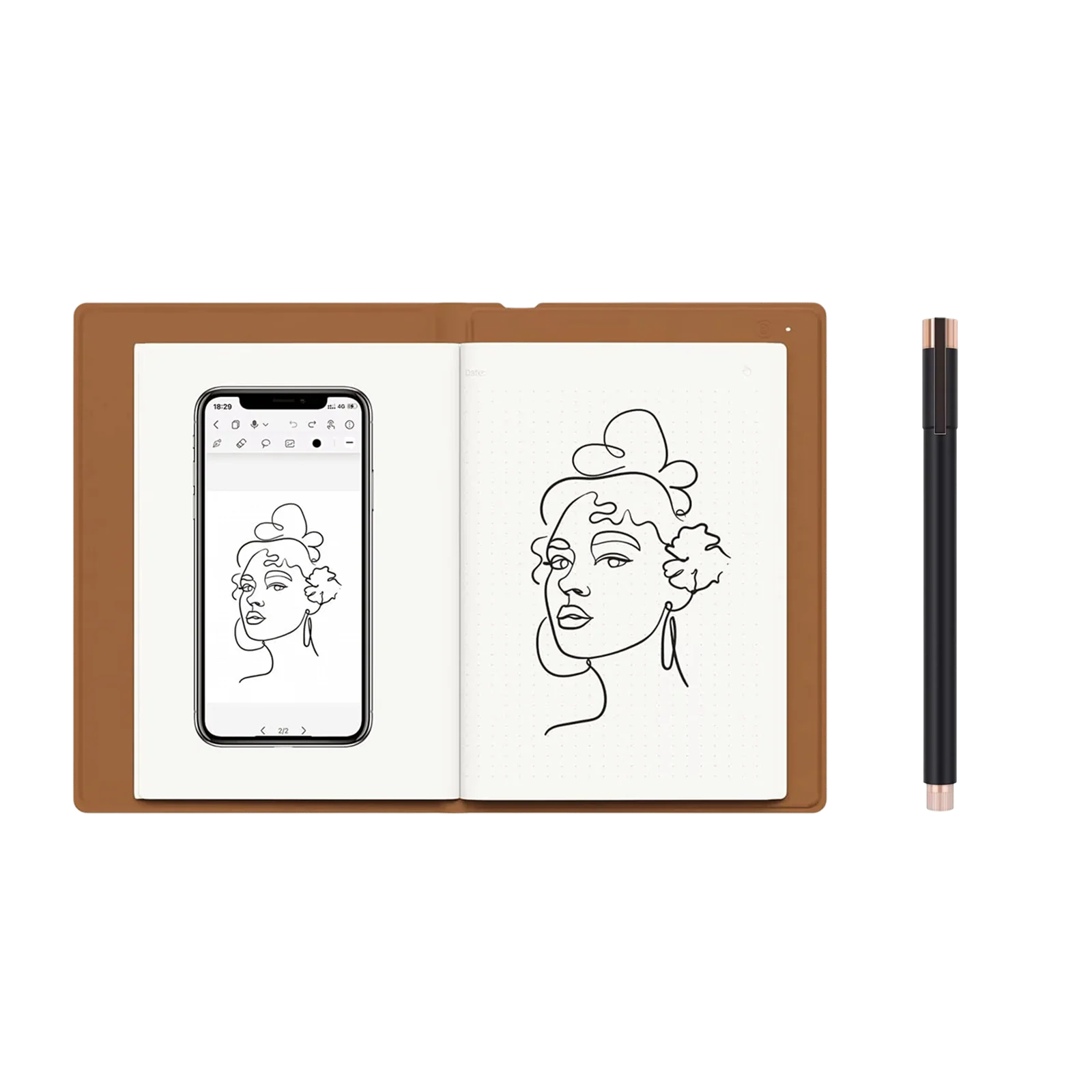
Description
Capture Everything Digitally with WrdlyTap
Overwhelmed by Scattered Notes and Lost Thoughts?
WrdlyTap’s seamless digital synchronization instantly transfers your handwritten notes to your devices, eliminating the frustration of misplaced papers or forgotten ideas. Experience the satisfaction of writing on real paper while enjoying the convenience of having all your notes organized digitally in one secure place.
Struggling to Find Important Information Quickly?
Our intelligent organization system lets you categorize, search, and access your notes instantly. With WrdlyTap, you can merge related pages, split sections, and create custom notebooks—all while maintaining the natural flow of handwriting that digital typing simply can’t replicate.
Need Your Notes Available Everywhere You Go?
WrdlyTap synchronizes your handwritten content across all your devices through our intuitive app. Whether you’re in a meeting, classroom, or creative session, your notes are always up-to-date and accessible on your phone, tablet, or computer—no more photographing pages or manual transcription.
Capture Ideas Exactly As You Imagine Them
WrdlyTap transforms how you take notes by combining the natural feel of pen on paper with powerful digital organization. Experience vector-quality digitization that preserves every nuance of your handwriting and sketches, while enjoying seamless cross-device syncing and intuitive organization tools.
- Real Paper Writing Experience
- Instant Digital Synchronization
- Voice Recording Integration
- Powerful Organization Tools
NATURAL WRITING FEEL
Experience the irreplaceable satisfaction of pen on paper while enjoying all the benefits of digital note-taking, allowing you to maintain your creative flow without technology disruptions.
SEAMLESS SYNCHRONIZATION
Transfer your handwritten notes instantly to your devices as vector-quality digital files, ensuring nothing gets lost and everything stays organized in one secure place.
OFFLINE CAPABILITIES
Store up to 50 pages of notes without connection, perfect for capturing ideas anywhere without worrying about battery life or signal strength—sync them later when convenient.
AUDIO INTEGRATION
Record important discussions while taking notes, with audio synchronized to your writing for comprehensive review—never miss crucial information during meetings or lectures again.
VERSATILE FUNCTIONALITY
Transform your notebook into a drawing tablet with 8192 pressure levels and tilt recognition, providing creative professionals with a dual-purpose tool for both writing and digital art.
ECO-FRIENDLY SOLUTION
Reduce paper waste while still enjoying the benefits of handwriting—digitize your notes and store them forever while using significantly less paper than traditional notebooks.